See your browser from the other side.
Every browser exposes a set of signals to the pages it visits. Digital Eye brings them into view: automation indicators, graphics and audio properties, language and timezone settings, network observations and the effects of extensions.
Built for developers, testers and curious users, it turns those details into a searchable observation log. Open the scanner in the browser you want to inspect. Collection starts automatically, with no installation or account required.
Follow the signals. Inspect the details.
Explore Canvas, WebGL, WebGPU, WebRTC, fonts, permissions and browser APIs alongside observations from Workers and iframes. Each record includes its actual values, context and check status, so you can see what was available and where a check was limited.
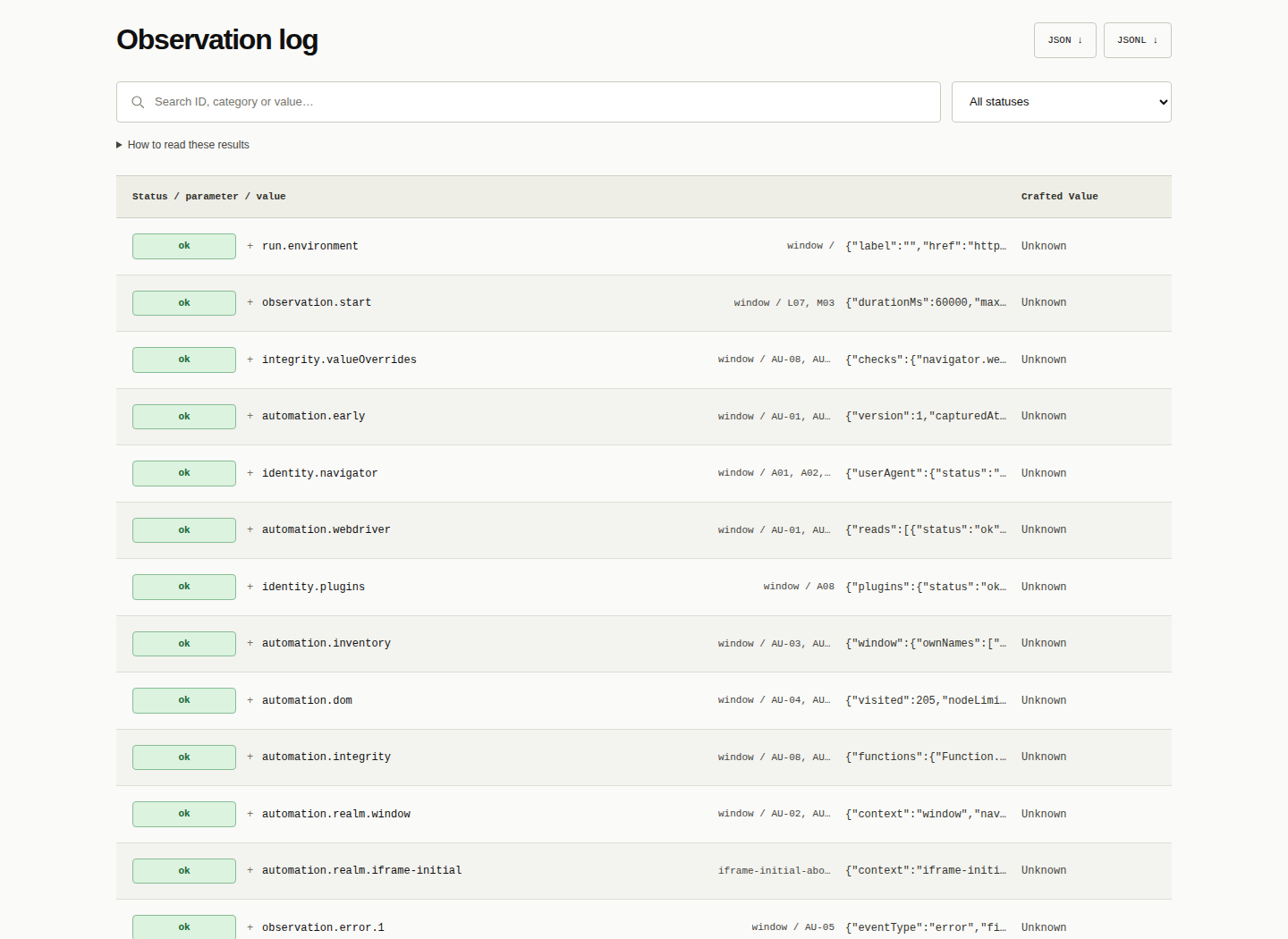
Search by ID, category or value, filter the results, then expand a record for a closer look. It is a practical starting point for investigating browser differences, testing automation setups or understanding changes after enabling an extension.
Understand what changed.
The Crafted Value column highlights confirmed API overrides in red and unavailable expected checks in orange. Expand a record to inspect individual fields and the reasons behind each assessment.
Digital Eye reports observations rather than a bot score. An individual signal does not prove automation, identify an extension or establish that two browsers belong to the same computer.
Take the evidence with you.
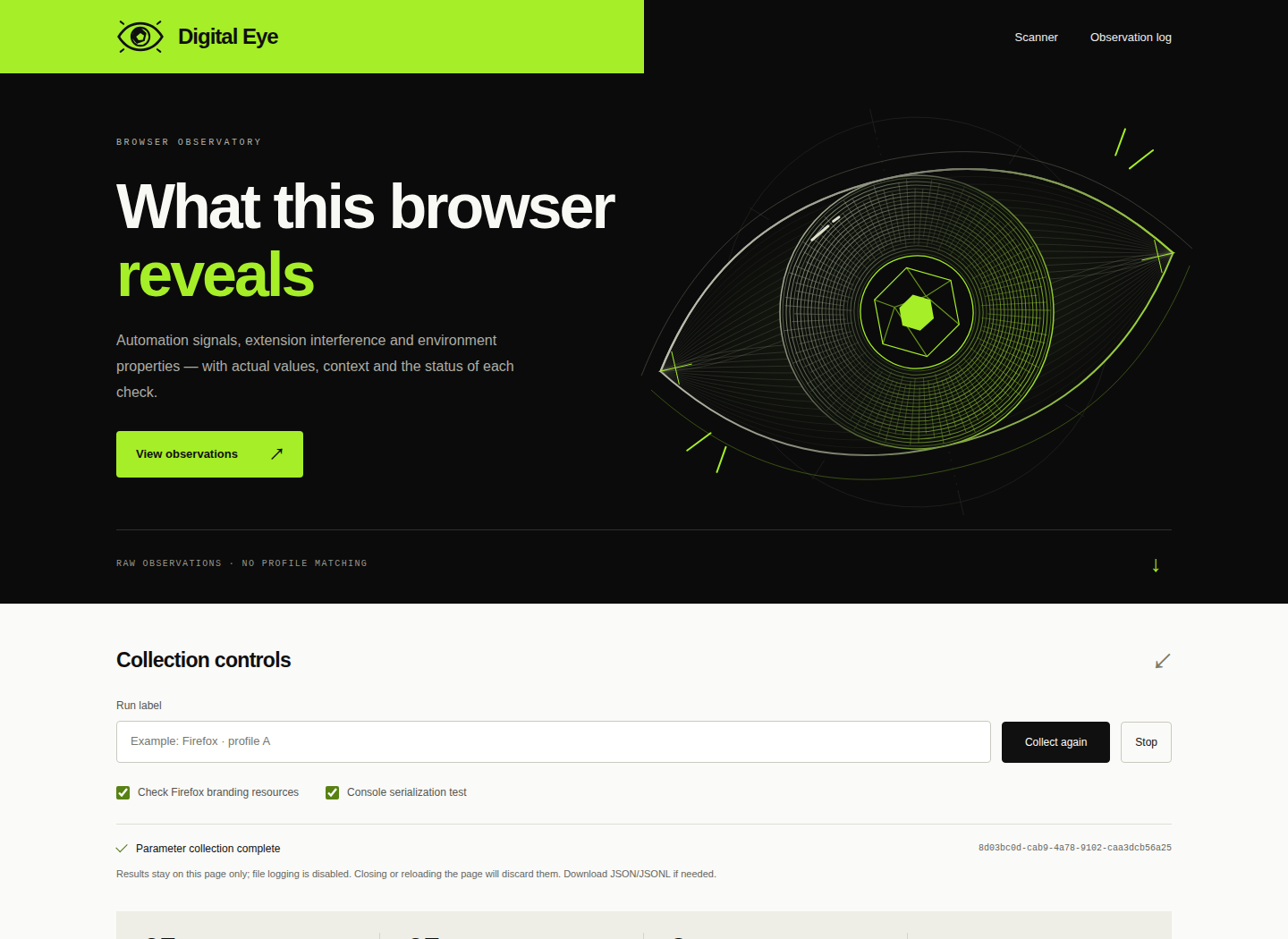
Give each run a useful label and collect again after changing your setup. Export JSON or JSONL with the runs from the current tab, including values, statuses and Crafted Value assessments, for your own analysis or debugging workflow.
On the hosted scanner, results remain in the page and the scanner's file logging is disabled. Download the report before refreshing or closing the tab.
Explore at your own pace.
Additional checks for the camera, microphone, geolocation and other protected APIs run only when you choose them, subject to browser permissions. Camera and microphone checks inspect stream properties; they do not record audio or video, and the tracks stop immediately.
The interface adapts to desktop and mobile screens and supports English and Ukrainian. Follow the website link to explore your own browser.